Portable Lighting
Supported glowing objects illuminate nearby blocks while carried or equipped; no constant torch placement required.
Dynamic Lights Mod brings moving light to Minecraft. Carry a torch through a winding cave, spot the next ledge, and explore after sunset without stopping to place a light at every turn.
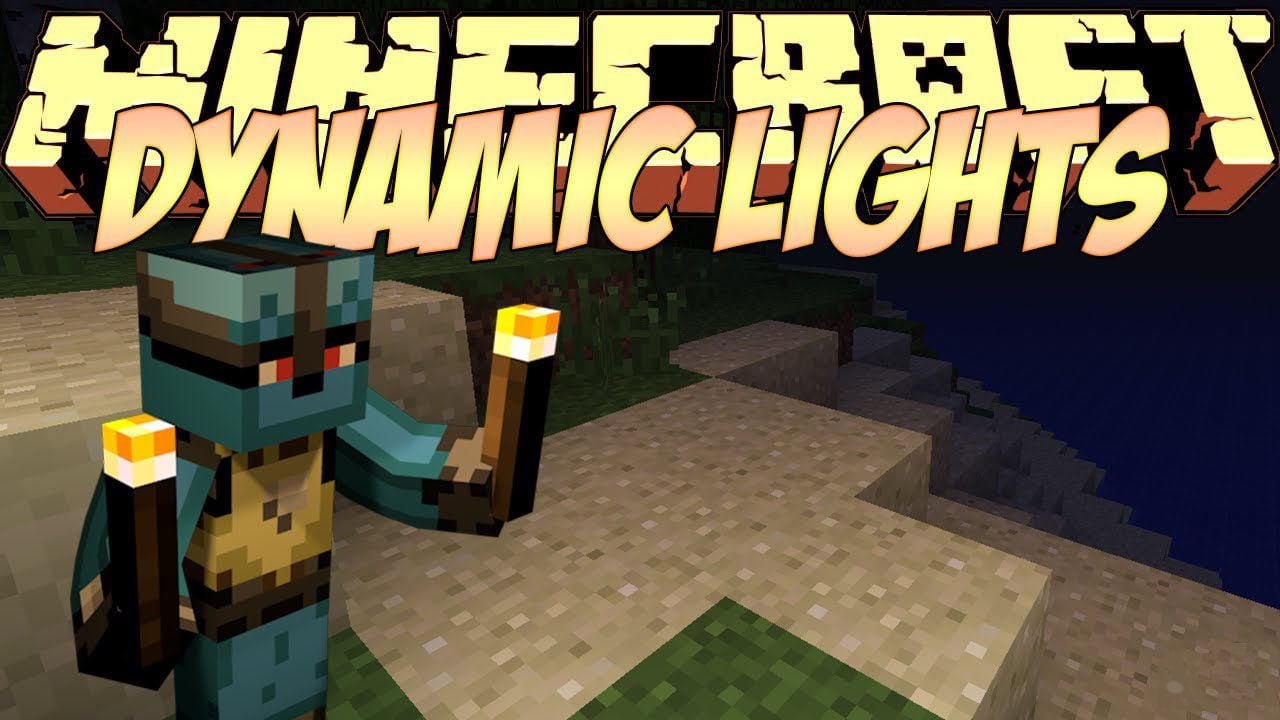
Dynamic Lights Mod brings moving light to Minecraft Java Edition, letting a torch in your hand brighten nearby blocks as you explore. Instead of placing a new torch every few steps, you can follow winding tunnels, spot cave openings, and find your way along dark paths. The glow follows your movement, making mining trips and night-time journeys easier to navigate while keeping the familiar Minecraft feel.
Dropped glowing items also light the ground around them, helping you see nearby stone and find lost tools while exploring underground. You can configure additional item IDs and choose their light levels to suit your world, whether you prefer a torch or another glowing item. Keep placed torches along the routes you want to leave lit; moving light helps you explore, while permanent lights mark the way back home.
Supported glowing objects illuminate nearby blocks while carried or equipped; no constant torch placement required.
Dropped shining items can produce light on the ground, making them easier to spot in dark spaces.
Use torches and configured luminous items to light the space around you while travelling.
Add item IDs to the configuration and set their light levels to suit your modded world.
Moving illumination adds atmosphere to cave exploration, survival travel, and nighttime journeys.
For the 26.3 builds, install the matching mod on both your game client and the server.
The mod detects supported illuminating items in your hand or equipped slots.
As the player or supported item entity moves, the illumination is updated around its location.
Nearby stone, steps, and passageways become visible while the light source stays active.
Light up your next Minecraft adventure with portable torches and glowing items. This release is for Minecraft Java Edition 26.3 with NeoForge.
Download Dynamic Lights Mod
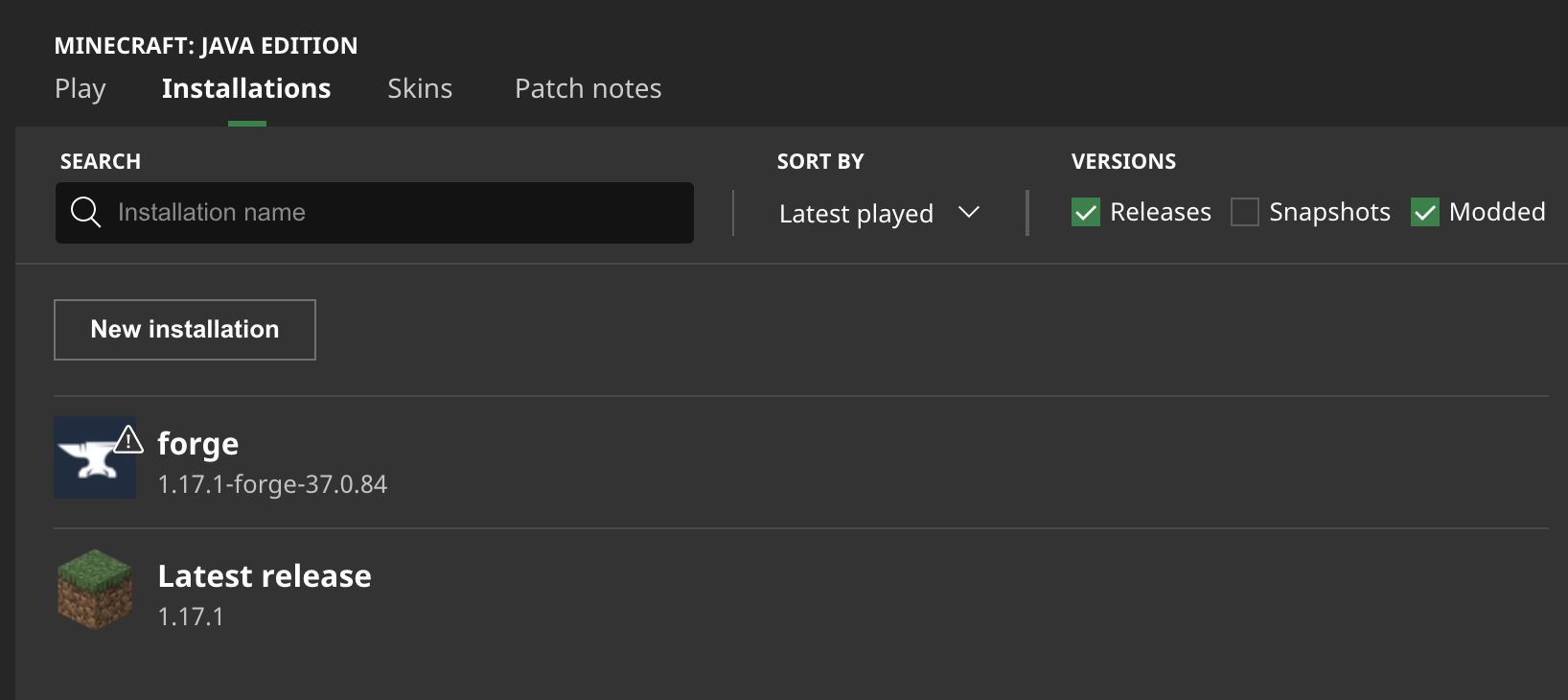
Open the launcher and note the exact Java Edition version you intend to use.
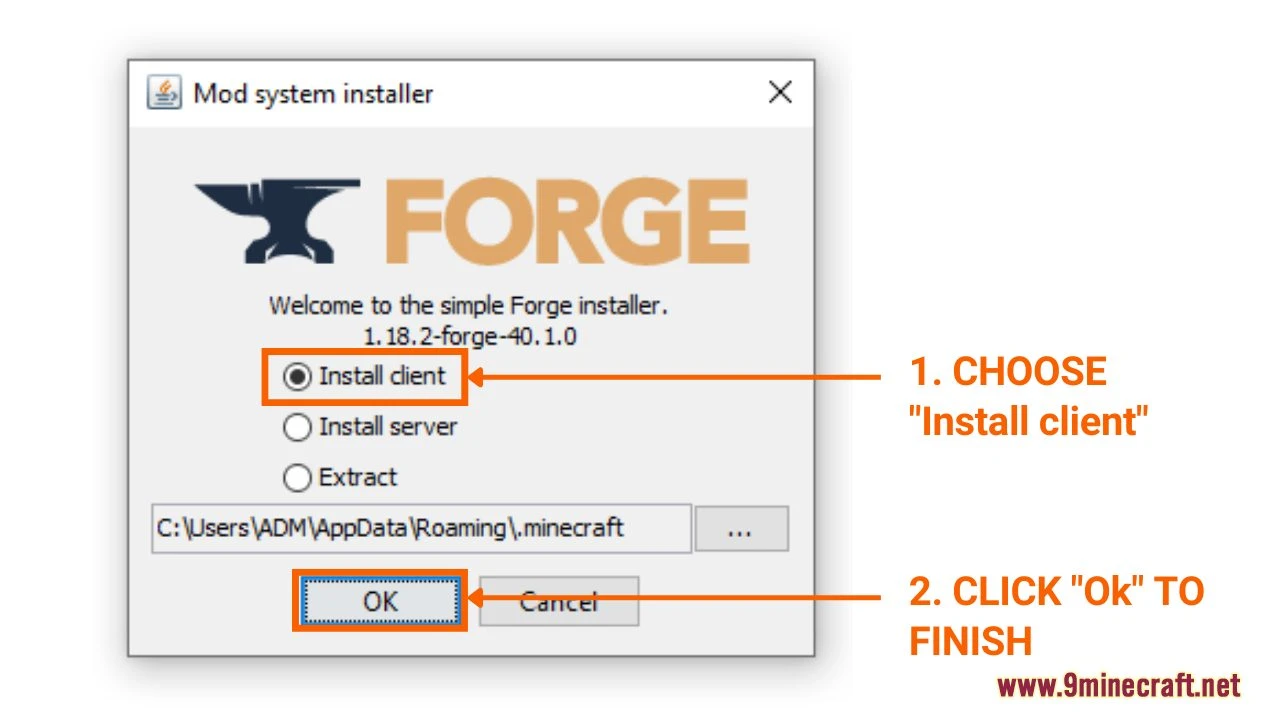
Install Forge or NeoForge for your Minecraft version, then select its profile in the launcher.
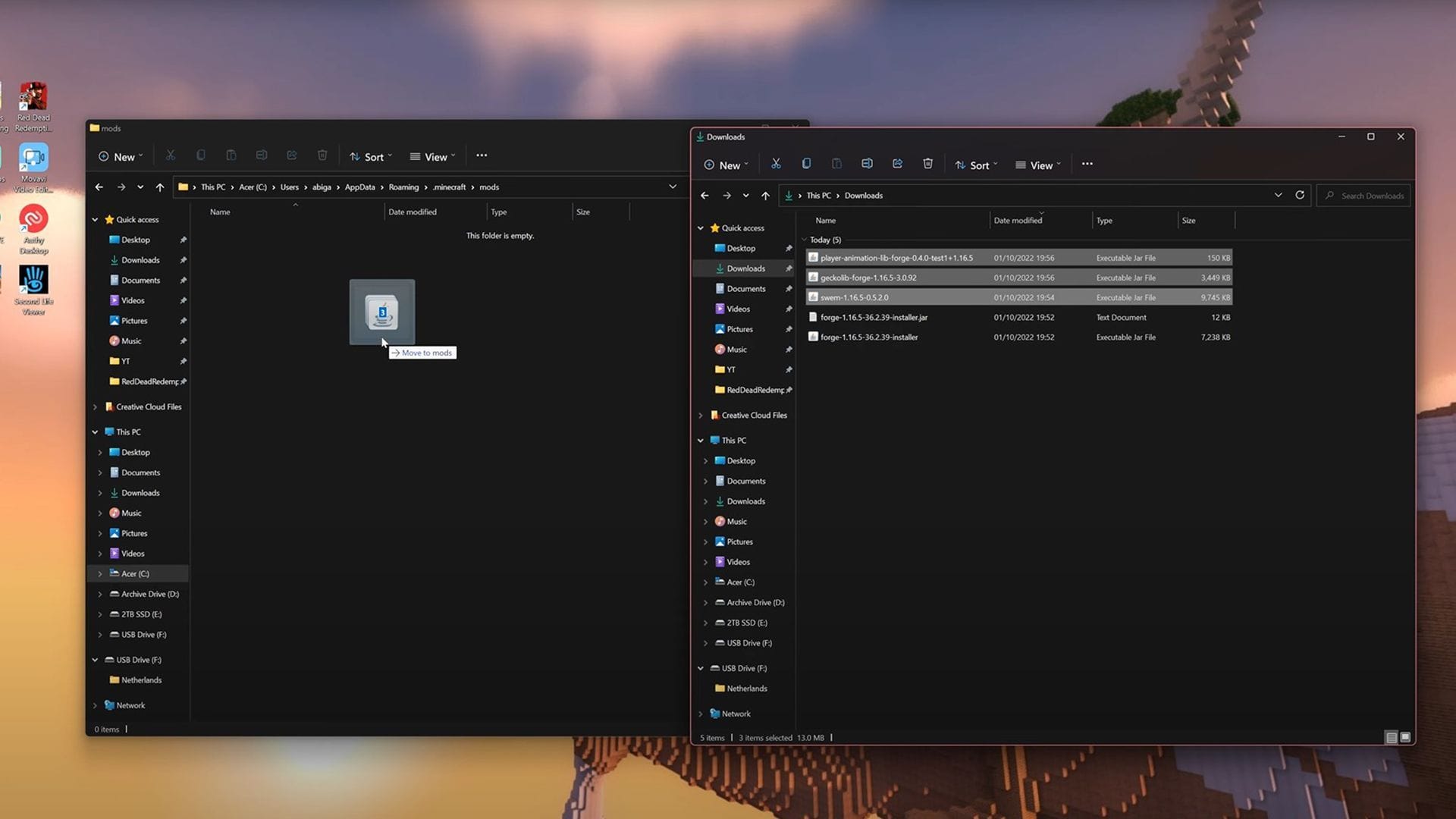
Select the mod file matching both the game version and the loader.
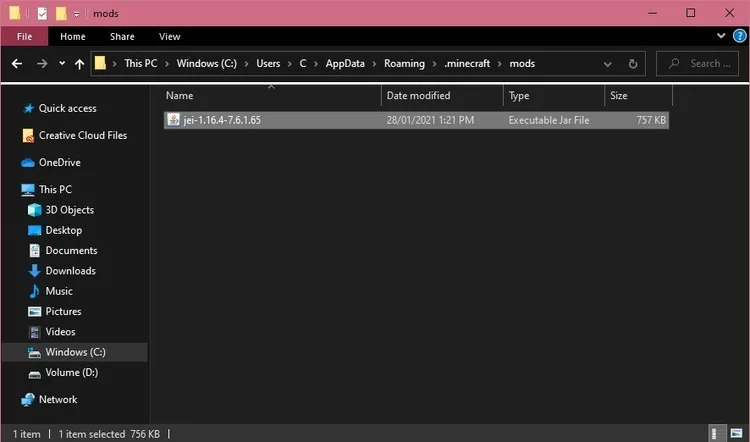
Place the JAR into your Minecraft profile’s mods folder; create it only if needed.

Launch the modded profile, hold a supported item, and confirm the lighting effect.
Use the download table to match your Minecraft version. Each JAR targets a specific game release, including 26.3, 26.2, and 26.1.2.
Forge and NeoForge use separate builds. Choose the loader installed in your Minecraft profile before selecting a download.
Fabric, Quilt, and resource-pack-based lighting can be possible with separate projects, but do not use this Forge/NeoForge file as a Fabric mod.
Carry a torch to brighten nearby paths and cave walls as you move.
Configure luminous block items as portable sources for underground trips.
Add lanterns to your configured light sources for a warm travelling glow.
A configured lava bucket can bring a bright glow to your mining route.
Assign light levels to custom item IDs and equipped armor in the configuration.
Configure a sea lantern item to carry its clear glow through dark passageways.
| Lighting behavior | Vanilla Minecraft | Dynamic Lights Mod |
|---|---|---|
| Placed torch | Illuminates surrounding blocks | Still works as an ordinary placed source |
| Torch held in hand | Does not normally emit block light | Can illuminate while held when supported |
| Dropped glowing item | Normally no moving block light | May emit light when supported |
| Performance cost | Standard game lighting | Additional updates can affect FPS |
Avoid large piles of glowing dropped items or overly broad configured item lists.
Test lower render distance and graphics options if lighting stutters.
Compare FPS in the same area while changing a single setting.
Confirm the mod is loaded, test a known supported item, check the configuration, and ensure the light source is not inside an obstructing block.
Remove mismatched builds, confirm your loader and game version, then test in a minimal profile and review latest.log.
The linked AtomicStryker project lists Forge and NeoForge; install a separate Fabric-compatible lighting mod instead.
Reduce the number of moving light sources and compare performance with other graphics mods disabled.
It lets supported carried, equipped, or dropped luminous items illuminate nearby terrain.
No. Vanilla Minecraft normally requires a light-emitting block to be placed to illuminate the world.
Dynamic Lights Mod has separate Forge and NeoForge builds. Install the build made for your loader.
Yes, for versions that have a listed NeoForge release. Download the matching build.
These downloads are for Forge and NeoForge. Fabric needs a dynamic lighting mod built for Fabric.
Yes, supported glowing items can light their surroundings when dropped.
Yes, portable light can make cave exploration easier when supported items are used.
A lantern can glow when its item ID is included in the configured light sources.
Yes. Add the item ID and its light level to the mod configuration, then test the item in your world.
Ordinary placed torches remain regular light sources; moving light adds another behavior.
Put the appropriate mod JAR in the active profile’s mods folder and launch the matching loader.
The download table includes Minecraft 26.3, 26.2, and 26.1.2 builds, with the required loader beside each file.
The 26.3 builds need the mod on both the client and server. Use matching versions on each.
Start by checking the game version, loader, supported item, and mod configuration.
Yes. Extra moving light updates can increase the performance cost.
Some combinations may work, but compatibility depends on the shader stack, mod versions, and loader.
Check for overlapping dynamic-light systems and known compatibility issues before combining them.
The main download is version 26.3.2NF for Minecraft 26.3 and NeoForge. The download table includes separate builds for other listed versions and loaders.
Waterlogged or partial water blocks can interrupt moving light. Test your torch in an open, dry area to compare.
Settings and configuration file locations depend on the release and launcher profile.