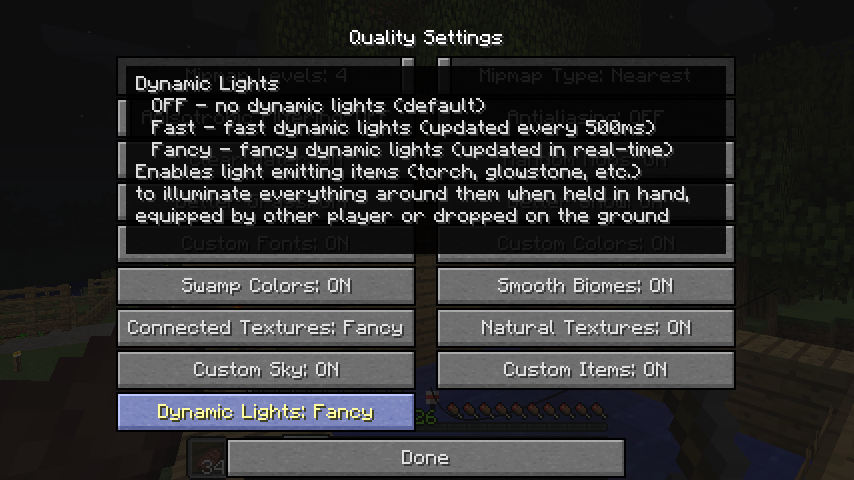
Why Dynamic Lighting Can Cost FPS
Moving illumination may cause repeated lighting updates. Many dropped glowing items or numerous moving sources can add overhead.
A Sensible Starting Setup
Use only necessary glowing items where the build supports configurable IDs. Limit other heavy graphics features while assessing the effect.
Measure Changes Fairly
Test in the same location and world, observe a similar route, and change one setting at a time. Frame-rate impact depends on hardware and mod combination.
Settings Worth Checking
Review item configuration, entity/item density, render distance, and any other light-rendering features from shader or performance mods.
Download and compatibility reference
The Dynamic Lights author project page lists Forge and NeoForge files. The release file list is the best place to confirm exact compatibility. A direct file link is available from the homepage download section.