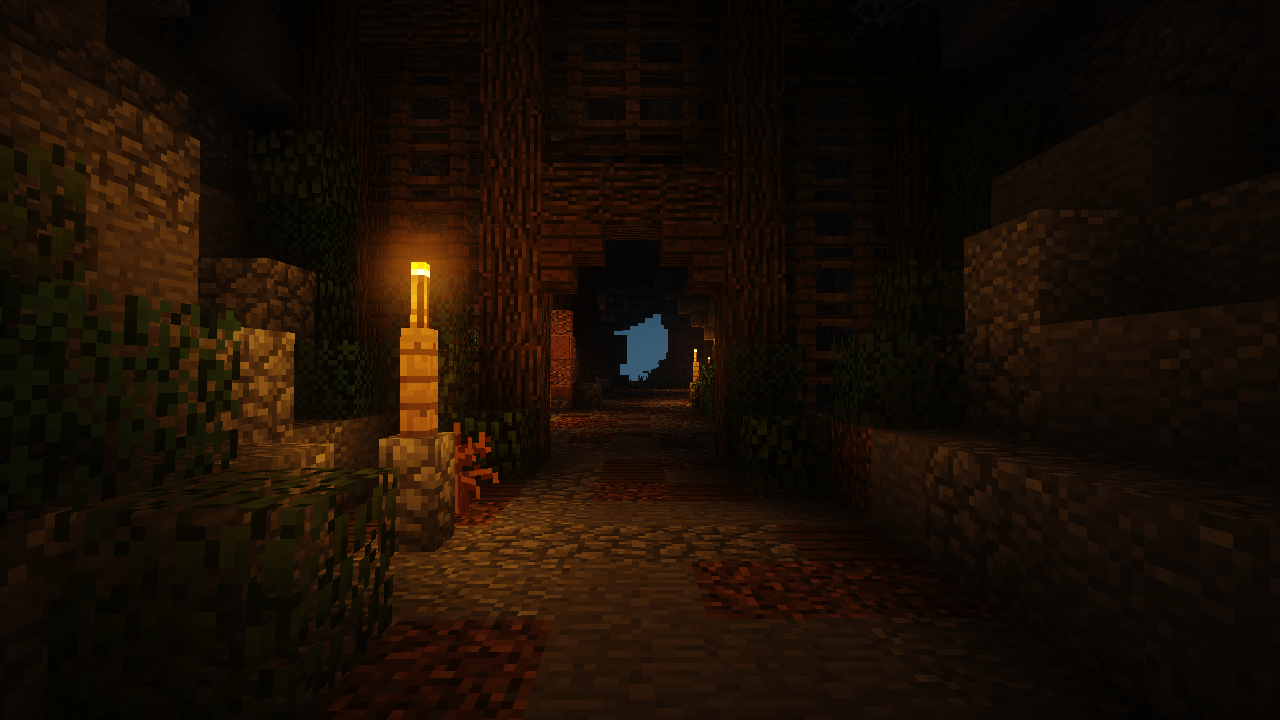
Two Different Lighting Systems
Dynamic Lights supplies moving illumination. Shaders modify rendering and can add lighting effects of their own, but they do not automatically guarantee compatibility.
Possible Conflicts
Overlapping systems can create unexpected visuals, duplication, flicker, or reduced FPS. Effects vary by versions and graphics setup.
A Reliable Compatibility Test
First run Dynamic Lights alone. Next enable the shader infrastructure and shader pack, then compare behavior with the same handheld item.
Troubleshooting Checklist
Check versions, graphics mod dependencies, rendering settings, crash logs, and known issues on both project pages. Disable overlapping options if available.
Download and compatibility reference
The Dynamic Lights author project page lists Forge and NeoForge files. The release file list is the best place to confirm exact compatibility. A direct file link is available from the homepage download section.