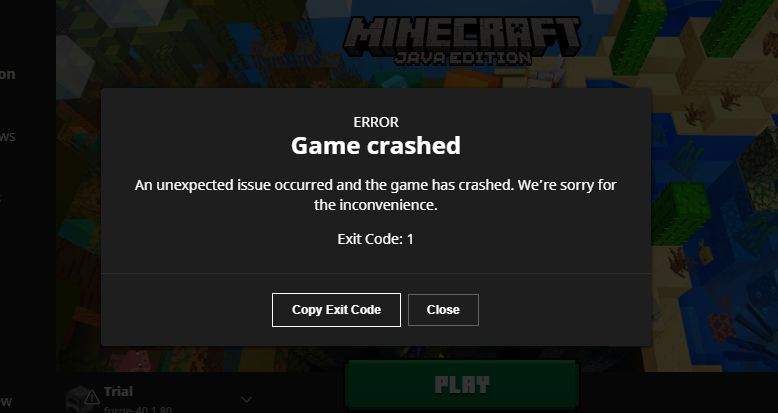
Start With the Crash Log
Read latest.log or the generated crash report and identify the first mod-loading error. Save the file before changing the mod list.
Confirm the Versions
Check the Minecraft version, loader family, loader version, and selected Dynamic Lights file. Even a similarly named build may target another version.
Test a Minimal Profile
Temporarily remove unrelated mods, then launch with only the required components. Restore mods one by one until the conflict recurs.
World and Server Troubleshooting
Back up worlds before changing mods. For multiplayer, compare required mod installations across client and server.
When to Report an Issue
Include the game version, loader, mod file name, reproduction steps, and relevant log excerpt on the project’s issue channel.
Download and compatibility reference
The Dynamic Lights author project page lists Forge and NeoForge files. The release file list is the best place to confirm exact compatibility. A direct file link is available from the homepage download section.